Step 1. Access Settings
On the Production page, open the Settings menu and click on the Users option;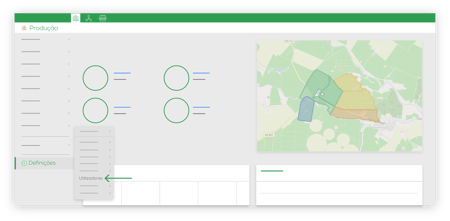
Step 2. Add
Click on Add New;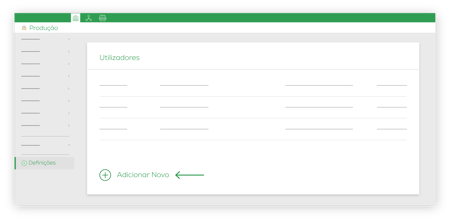
Step 3. Characterize the new user
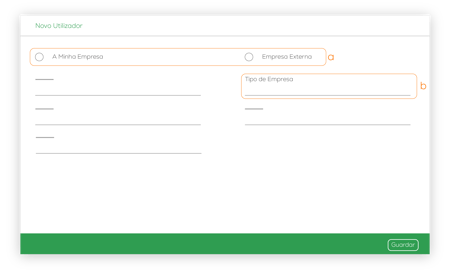
Select whether the user is from your company or an outsourced company (a).
The Company Type option only appears when you select External Company in the previous field (b).
Fill in the remaining data and click Save.
Step 4. Permissions
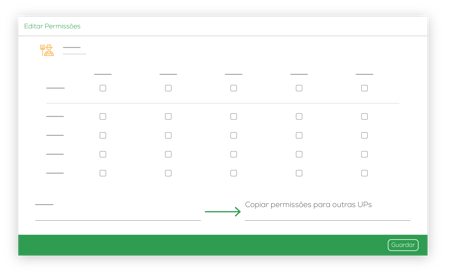
Choose the permissions you want to give the new user.
To invite them to multiple Production Units, you need to choose them from the list presented in Copy permissions to multiple UPs.
Click on Invite.
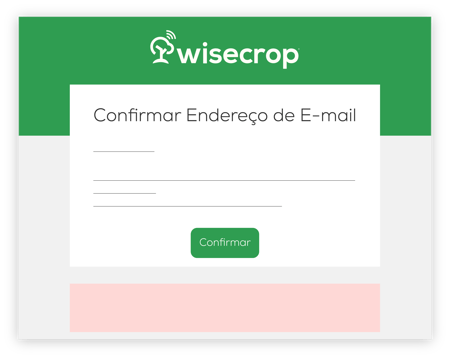
Step 5. Invitation Email
The invited user needs to accept the request via email. To do this, simply click on Log In and you will be redirected to the Wisecrop homepage.